 Insights
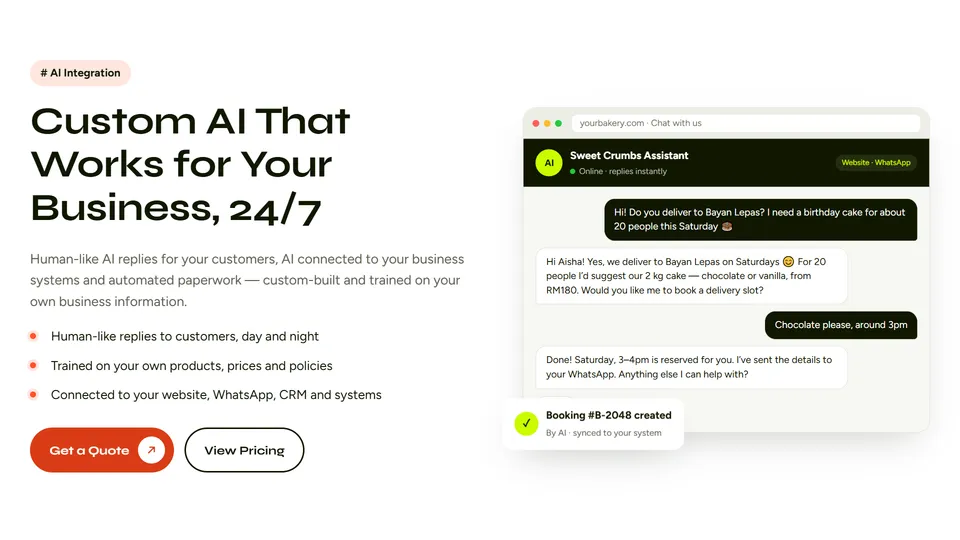
To integrate WhatsApp chat into your WordPress website, install an established plugin like Joinchat or Click to Chat, enter your international phone number, and customize your floating trigger button. Alternatively, you can embed a direct 'Click to Chat' link manually using WhatsApp's standard URL structure without installing additional software.
Adding direct messaging bridges the gap between cold traffic and instant, high-converting customer conversations. For growing businesses, it turns casual visits into documented sales leads while bypassing the friction of static contact forms.

Why Direct Messaging Outperforms Traditional Contact Forms
Standard contact forms are notorious for killing conversion momentum. Potential buyers often hesitate to submit an inquiry when they expect a generic auto-responder and a delayed reply 24 hours later.
Integrating real-time messaging meets modern consumers where they already spend their daily attention. It creates an immediate line of communication that dramatically improves customer engagement:
- Frictionless Inquiries: Users bypass multi-field forms and engage your business with a single tap from their mobile devices.
- Persistent Contacts: Unlike disposable browser-based web chats, WhatsApp conversations preserve the contact thread on both the user's phone and your business records.
- Higher Open Rates: Follow-up messages through instant messaging apps consistently achieve open rates exceeding 80 percent, far outpacing email sequences.
Adopting this channel ensures that high-intent prospects can reach a real person at the exact moment they are ready to make a purchasing decision.
Method 1: Step-by-Step Plugin Installation
Using a lightweight plugin is the most flexible approach for business owners who want automated popups, pre-filled messages, and multi-agent availability without writing custom scripts.
1. Choose and Install a Reputable Plugin
Navigate to your WordPress dashboard, click Plugins > Add New, and search for trusted options such as Joinchat or WP Social Chat. Install and activate your chosen tool.
2. Configure Your Business Phone Number
Open the plugin settings panel and enter your full international telephone number without dashes, brackets, or plus signs. For example, a US number begins with '1' followed by the area code and phone number.
3. Craft an Automated Pre-Set Message
Reduce barrier-to-entry friction by configuring a default greeting that appears automatically in the visitor's chat input field. You might write: 'Hi there, I have a quick question about your services.'
4. Set Display Conditions
Configure visibility rules so the button appears only where it aids conversions. You can display it globally, restrict it to high-value landing pages, or selectively hide it on checkout pages to avoid distracting buyers.
Method 2: Adding a Manual Click-to-Chat Button Without Plugins
If you prefer to keep your WordPress database ultra-clean and eliminate plugin overhead, you can build a direct link manually using WhatsApp's standard API schema.
This zero-code method leverages standard web links that open directly inside the WhatsApp mobile app or WhatsApp Web on desktop browsers:
- Standard URL Syntax: Construct your link using the base URL
https://wa.me/[YourNumber]using your complete country and area code. - Pre-Filled Text URL: Add automated prompts using URL encoding:
https://wa.me/15551234567?text=Hello%20I%20need%20a%20quote. - Custom Site Buttons: Add this link to any WordPress button block, navigation menu item, or footer widget across your theme.
This approach introduces zero external scripts, helping preserve optimal page speed scores and clean site architecture.
Performance and Usability Best Practices
While chat widgets drive inquiries, poorly configured integrations can slow your site's load speed or irritate visitors with aggressive modal popups.
Following a few technical safeguards ensures that learning how to integrate WhatsApp chat into WordPress site templates delivers tangible sales without hurting user experience:
- Asynchronous Script Loading: Ensure your chat plugin loads its assets asynchronously so critical CSS and hero content render without delay.
- Screen Real Estate: Position floating icons in the lower right corner, ensuring they do not obscure critical shopping cart buttons, legal notices, or mobile navigation bars.
- Office Hours and Availability: Clarify operational hours within the tooltip so prospects understand when to expect a live human response versus an automated reply.
- Event Tracking: Connect chat button clicks to Google Analytics 4 event triggers to accurately calculate your paid ad return on investment.
Clean technical execution keeps your site lightweight, mobile-responsive, and compliant with Core Web Vitals standards.

Scaling Inquiries: Connecting WhatsApp to Custom Business Systems
Once incoming inquiries start scaling, managing dozens of conversations across isolated personal phones quickly leads to missed messages and disorganized follow-ups.
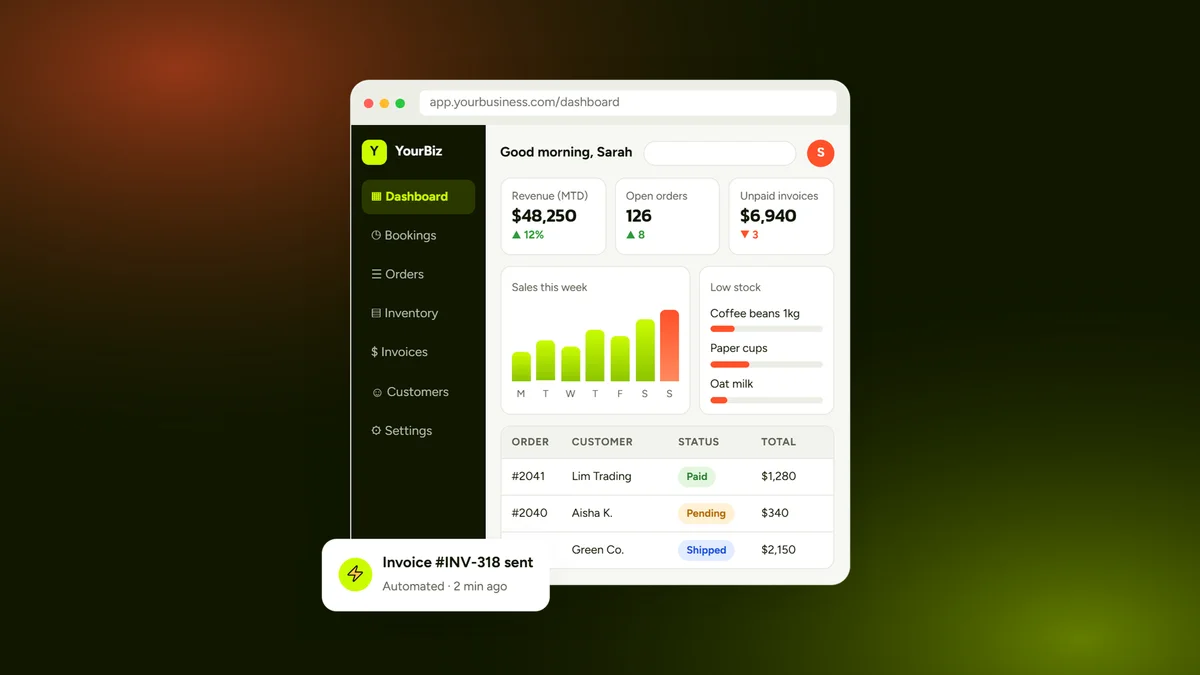
Small-to-medium businesses achieve the best return on investment by integrating their direct messaging stream into unified CRM platforms, shared team inboxes, and automated workflow pipelines.
At Webbily, we build custom business systems and high-performing digital marketing assets that tie your customer-facing communication channels directly into centralized operational hubs. If you are ready to streamline your workflows, modernize your website, and turn more visitors into loyal clients, reach out to our team today for a pragmatic digital growth plan.
Frequently Asked Questions
Is it free to integrate WhatsApp chat into a WordPress site?
Yes, you can integrate WhatsApp for free using standard 'wa.me' text links or free plugins like Joinchat and Click to Chat. You only incur costs if you upgrade to the official WhatsApp Business API for high-volume automated messaging.
Will adding a WhatsApp chat widget slow down my WordPress site?
A lightweight plugin or manual link will not noticeably impact page speed. However, plugins that load excessive external JavaScript or unoptimized font icons can negatively affect your Core Web Vitals if not configured with lazy loading.
Can multiple team members answer chats from a single WordPress site?
Yes, specialized multi-agent plugins allow you to route visitors to different department phone numbers. For larger teams, connecting the WhatsApp Business API to a shared team inbox platform provides seamless multi-user support.
Does WhatsApp chat work for visitors browsing on desktop computers?
Yes, clicking the chat button on a desktop computer automatically redirects the user to WhatsApp Web or prompts them to launch the desktop WhatsApp application.
Do I need the WhatsApp Business app to receive customer messages?
While a standard personal account works, using the free WhatsApp Business app is strongly recommended. It gives you access to professional business profiles, automated quick replies, catalog displays, and conversation organizing labels.
Learn more at webbily.com.